Block Spam Leads from Google Ads: 7 Steps
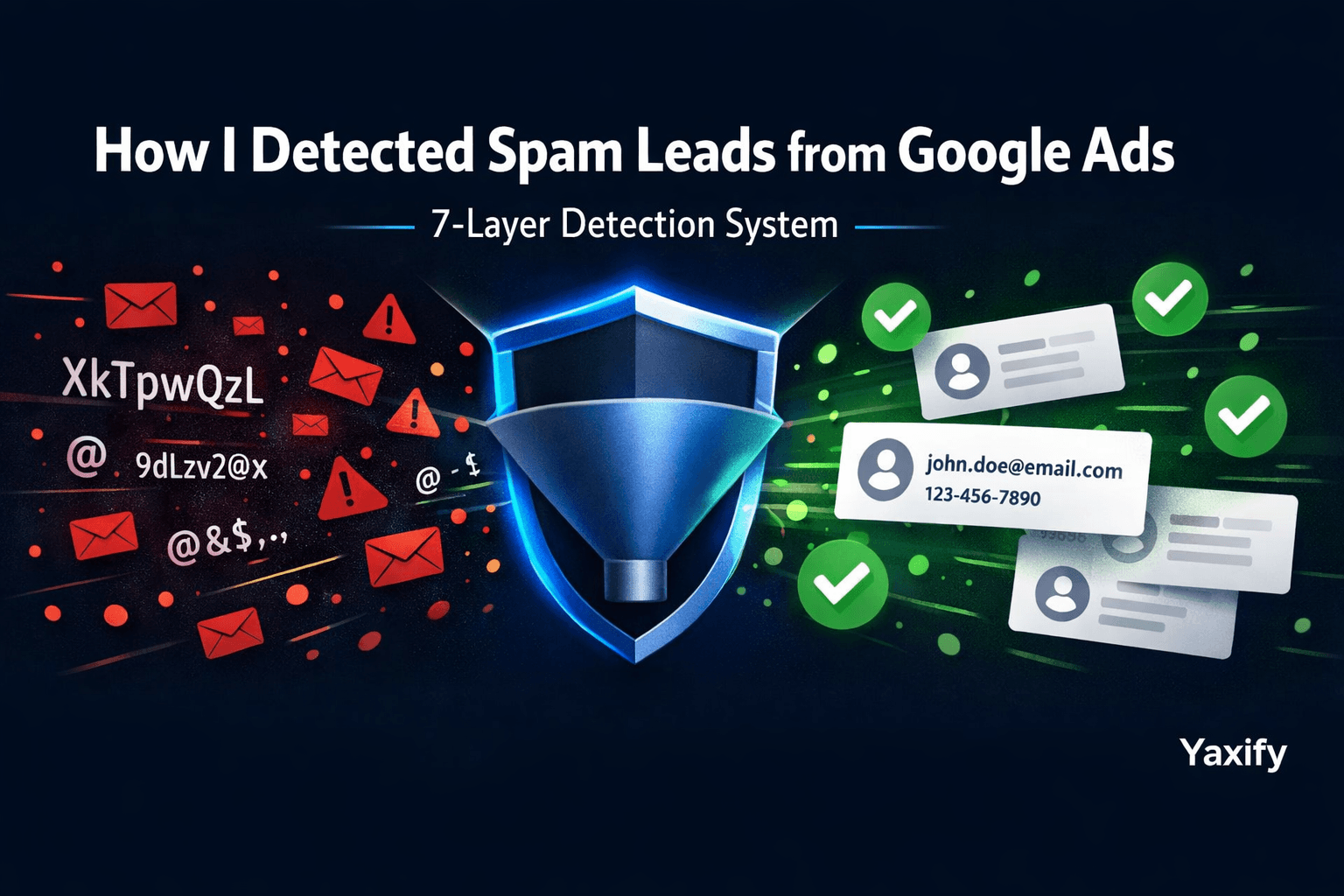
If you are running Google Ads campaigns, you know how frustrating it is to pay for clicks that result in fake form submissions. Your conversion metrics look incredible on paper, but your actual sales pipeline is filled with junk.
I recently faced a severe issue with a lead generation campaign. The contact forms were converting, but when I opened the CRM, the data was clearly polluted with bot traffic and spam.
The names looked like someone had mashed their keyboard:
XkTpwQzLmRvBnJdYPqWsAzEdRfTgYhUjBnMkLpOiUyTrEwQa
And the email addresses looked like a scattered mess of dots:
t.e.c.h.b.u.y.e.r.2024@gmail.comm.a.r.k.e.t.i.n.g.1.2.3@gmail.com
Real client inquiries were getting buried. The ad conversion data was entirely misleading, which meant the Google Ads algorithm was optimizing for the wrong audience. I needed to fix this properly, and basic fixes weren't going to cut it.
Here is the complete guide to how I built a custom, multi-checkpoint system from scratch to detect and block spam leads from Google Ads.
Why Basic Spam Fixes Did Not Work
I tried the obvious solutions first.
Google reCAPTCHA helped slightly, but modern bots and click farms bypass it easily. Blocking IP addresses was pointless because spammers constantly rotate through proxies and VPNs. Standard email format validation only catches missing "@" symbols—not cleverly disguised, legitimate-looking addresses.
The core issue was that spammers were utilizing legitimate email providers (like Gmail) and manipulating them with dots to appear as unique identities. Meanwhile, the computer-generated names were passing all standard text validation rules.
A smarter, layered defense was required.
The Solution: A Multi-Checkpoint Verification System
I designed a robust system featuring 7 independent checkpoints. Each checkpoint analyzes a specific aspect of the form submission and assigns a suspicion score.
At the end of the process, these scores and signals are evaluated together to make a final decision. By ensuring that no single checkpoint blocks a user on its own, the system perfectly protects legitimate human prospects while ruthlessly catching spam.
Checkpoint 1: The Invisible Trap Field (Honeypot)
I added a hidden input field to the form—invisible to real users because it is hidden via CSS and positioned off-screen. Human visitors never see it, so they never fill it in.
Automated bots that scrape and fill forms indiscriminately will populate every field they detect, including this hidden one. When this field contains a value, the suspicion score immediately goes up.
Note: Some aggressive browser auto-fill features can occasionally populate hidden fields, so this checkpoint alone (worth 30 suspicion points) does not trigger an automatic block.
Checkpoint 2: Time-Locked Form Token
When a real prospect opens the contact form in their browser, the page quietly generates a unique cryptographic token based on the exact load time, combined with what the user types into the name and email fields.
This token is submitted alongside the data. On the server side, I verify:
- The token exists and is perfectly formatted.
- It was generated within the last 5 minutes (older tokens suggest copied or replayed requests by malicious scripts).
- The token precisely matches the submitted email and name.
Bots that fire POST requests directly at the server never load the actual front-end page, meaning they never generate a valid token. This single checkpoint eliminates the vast majority of low-effort automated submissions.
Checkpoint 3: Origin Verification
Every modern browser automatically tells the server which page a form was submitted from using headers. I strictly verify that all submissions originate from my verified domain.
Scripts and automation tools (which run directly from command lines or basic servers) either send no origin header at all or send a forged, easily detectable one. Either scenario raises a red flag.
Checkpoint 4: Browser Identity (User-Agent) Check
Legitimate browsers identify themselves with detailed description strings (e.g., Chrome on Windows, or Safari on iOS). Automated scripts identify themselves very differently.
I cross-reference the browser identity against a known list of automation tools, including curl, Python requests, Postman, Axios, and Scrapy. A missing or suspiciously short identity string immediately triggers this checkpoint.
Checkpoint 5: Name Authenticity Analysis
This is arguably the most powerful checkpoint in the entire system. Real human names follow consistent linguistic patterns; machine-generated strings do not.
I analyze each submitted name for:
- Length without spaces: A single word longer than 12 characters with zero spaces is highly unusual.
- Letter randomness (Entropy): I calculate the Shannon entropy of the name. High entropy means the characters are distributed randomly.
- Consonant clusters: Common English names rarely have 4 or more consonants in a row. Strings like
kTpwQzLinstantly fail. - Random capitalization: Real names capitalize the first letter. Mixed case like
pQwErTyUiis a massive red flag. - Missing vowels: Every real human name contains at least one vowel.
- Repeated characters: Patterns like
jjjorIIIdo not exist in standard names.
When a name triggers multiple checks here, it is flagged as "random-generated." This is a primary signal: a fake name combined with any other triggered checkpoint results in an automatic block.
Checkpoint 6: Submission History Analysis
The system briefly checks the history of past submissions in the database to uncover localized spam patterns:
- Same email address submitted 2+ times within 5 minutes: Automatic block. No real human does this.
- Same email address submitted 5+ times in an hour: High suspicion.
- Email previously linked to random-generated names: If an email has a history of spam, new submissions from it are treated with extreme prejudice.
This checkpoint gives the system "memory." Once a spam behavior is detected from an address, every future submission from that address is scrutinized heavily.
Checkpoint 7: Email Disguise & Obfuscation Detection
Gmail has a unique feature: it ignores dots in the username. tech.buyer@gmail.com and t.e.c.h.b.u.y.e.r@gmail.com deliver to the exact same inbox. Spammers exploit this extensively to make hundreds of spam submissions appear to come from unique users.
I detect this pattern by checking for:
- More than 3 dots in the email username (normal users rarely have more than 1 or 2).
- Single characters separated by dots (e.g.,
t.e.c.h). - Known disposable email services like Mailinator or TempMail.
- Dot-normalized matching: I strip dots from incoming Gmail addresses and check if that base inbox appears in our spam history.
How the Final Decision Is Made
After all 7 checkpoints complete their analysis, the system combines the scores using a strict set of routing rules:
| Condition | Final Result |
|---|---|
| Random name + any other checkpoint triggered | 🚫 BLOCKED |
| Same email submits 2+ times within 5 minutes | 🚫 BLOCKED |
| High combined score + multiple checkpoints | 🚫 BLOCKED |
| Repeat email + random names found in history | 🚫 BLOCKED |
| Disguised email + random name | 🚫 BLOCKED |
| Disguised email + any other checkpoint | 🚫 BLOCKED |
| Some flags raised but not enough to confirm | ⚠️ FLAGGED FOR REVIEW |
| No flags raised | ✅ ACCEPTED |
Submissions marked as FLAGGED FOR REVIEW are saved to the database but highlighted for manual human inspection. BLOCKED submissions are logged for our analytics but are instantly dropped before they ever reach the CRM or trigger a Google Ads conversion pixel.
The Results: Zero Spam Leads
Within 24 hours of deploying this system, spam leads dropped to absolute zero.
The CRM remained pristine. Best of all, the Google Ads conversion data became highly accurate and trustworthy again, allowing the algorithm to optimize for real, paying clients. And most importantly—not a single legitimate lead was accidentally blocked.
The multi-layered design is what makes it so reliable. A real person might have an unusual name, use a strict privacy browser extension, or have a strange email format that triggers one checkpoint. But they will never trigger five simultaneously.
Key Takeaways for Protecting Your Campaigns
- Never rely on one spam signal alone. Real users occasionally trigger individual checks.
- Name entropy analysis is incredibly effective and severely underutilized in standard form validations.
- The Gmail "dot trick" is responsible for a massive percentage of real-world form spam.
- Log every checkpoint result. You need the data to tune your scoring thresholds over time.
- Build for false positives first. It is always worse to block a real prospect than to let one piece of spam slip through.
Built at Yaxify
This custom verification architecture was developed while building client campaigns at Yaxify Digital — a Shopify and web development agency that also manages Google Ads campaigns for e-commerce businesses that are serious about lead quality.
If fake leads and bot traffic from Google Ads are ruining your campaign ROI, there are two solutions: the technical spam filter architecture described in this post, or working with an agency that builds these defenses into every campaign from day one.
See our Google Ads PPC Management service →
We manage Google Ads for Shopify and e-commerce businesses in the UK, USA, and UAE — with spam lead filtering, conversion tracking accuracy, and ROAS accountability built into every account we run.
Alex Sterling
Senior Tech Lead
Expert in web development, digital marketing, and helping businesses grow their online presence.